

How to check land records (khatian/porcha) online

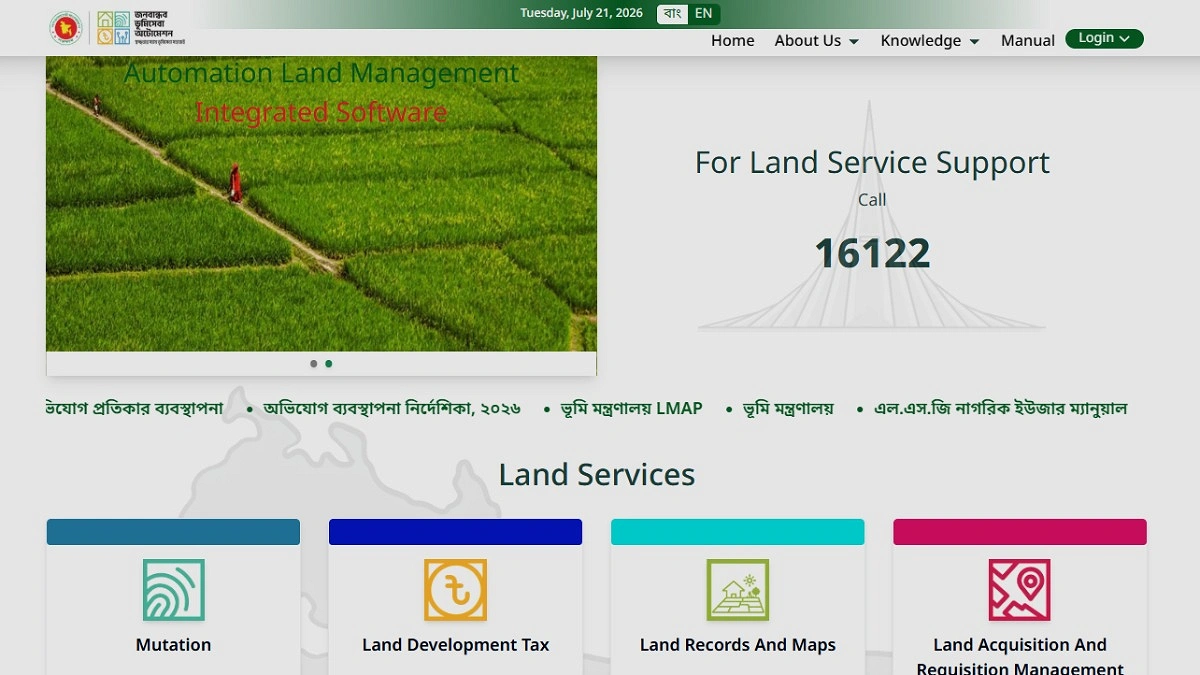
Photo: Ministry of Land
Land records (khatian/porcha) are essential for various purposes, including land transactions, mutation (namjari), bank loans, and ownership verification.
While it was previously necessary to visit a land office to collect these documents, it is now possible to view records and verify information online from the comfort of one’s home.
To access this, users must first visit the Ministry of Land’s “e-porcha” service website. There, one must select the division, district, upazila, mouza, and the type of khatian (such as CS, SA, RS, BS/City Survey).
A khatian can then be located through several methods: by searching with the khatiyan number, plot (dag) number, owner’s name, or National Identity Card (NID) information. After entering the required information correctly and clicking the search button, the details of the khatian will be displayed.
A khatiyan typically contains critical information, including the landowner’s name, khatian number, plot number, the amount of land, and the mouza name. Reviewing the details allows for the initial verification of land ownership and records.
However, the information viewed online is primarily intended for verification. For use in court, banks, or other official government tasks, a certified copy collected from the land office or the authority may still be required.
It is vital to provide accurate spellings, khatian numbers, or plot numbers when searching; incorrect information may result in the record not being found. Some older records may not yet be integrated into the digital database.
The introduction of online khatian viewing has significantly simplified land-related services. This has reduced the time and cost involved, as well as the need for unnecessary visits to land offices.
Utilizing the service before purchasing land or for verifying ownership can also substantially decrease the risk of fraud.

