

How to register for TIN online through NBR portal

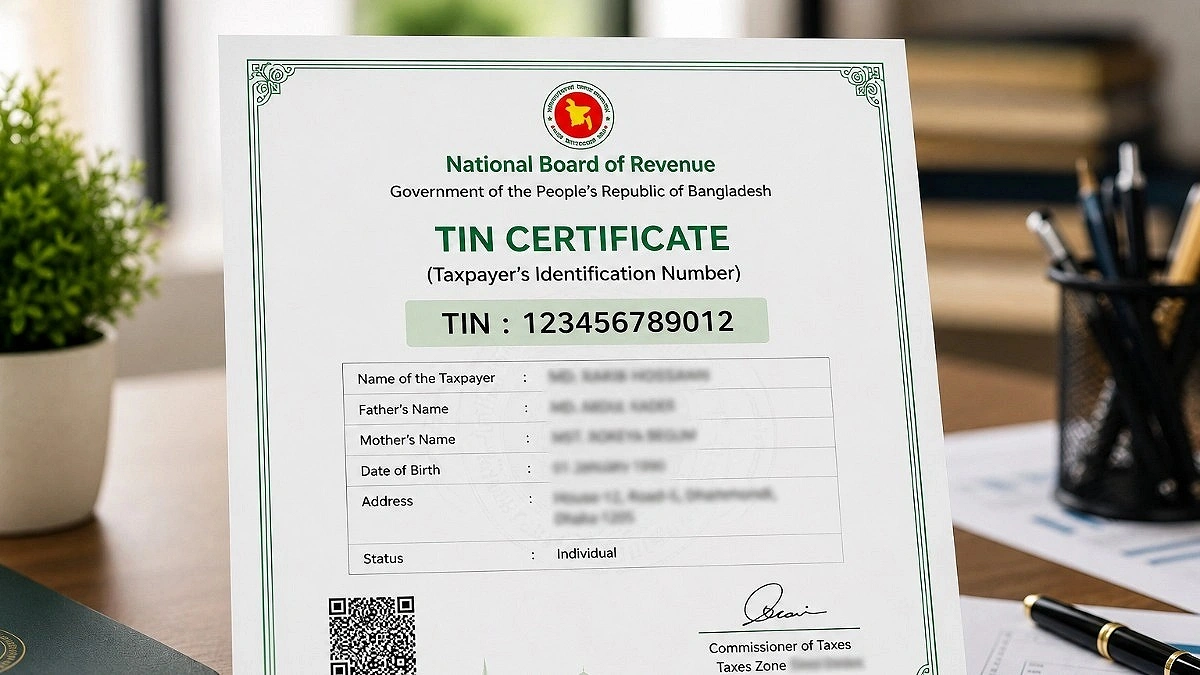
Collected Photo
National Board of Revenue (NBR) issues a 12-digit identifying number known as a TIN (Tax identifying Number).
Securing bank loans, acquiring trade permits, registering businesses, purchasing or selling land, taking part in tenders, and registering automobiles are just a few of the official procedures that require this number.
To obtain a TIN, first, access the NBR’s e-return portal. Create an account by providing your National Identity (NID) card number, mobile number, and email address. Complete the registration process using the OTP (One-Time Password) sent to your mobile.
Once registered, log in and select the “New e-TIN Registration” option. Accurately fill in your name, parents' names, date of birth, current and permanent addresses, profession, source of income, and other required information.
After verifying all the information, submit the application. Upon a successful application, a 12-digit e-TIN number will be generated immediately. The TIN certificate can then be downloaded and printed online.
There is no government fee for TIN registration. However, providing incorrect information may lead to complications in the future when filing tax returns or seeking other services. Therefore, the application should be completed in consistency with the information on the NID.
It is important to note that having a TIN does not automatically mean one must pay taxes. However, individuals whose income exceeds the taxable limit must file their income tax returns within the specified timeframe.
Consequently, it is necessary to have an understanding of tax-related regulations both before and after obtaining a TIN.

